

A laptop backpack looks simple until you carry the wrong one. Too small and your laptop barely fits. Too soft and it bends against your back. Too bulky and it becomes a chore on the commute. The right bag depends on how you actually use it, so this guide walks through size, features and real-life needs for work, college and travel, step by step.
What Makes a Good Laptop Backpack?
A good laptop backpack protects your laptop, keeps your daily items organized and stays comfortable for hours. In practice that comes down to four things:
- A properly sized laptop compartment that holds your laptop snugly without squeezing it.
- Padding where it matters, mainly the laptop sleeve, the back panel and the shoulder straps.
- Smart organization, such as a front pocket for small items and side pockets for a bottle or umbrella.
- Durable build quality, including solid zippers, reinforced stitching and a sturdy carry handle.
If a backpack does these four things well, it will suit most people. Everything else, from style to charging ports, is about matching the bag to your routine.
Choose the Right Laptop Backpack Size
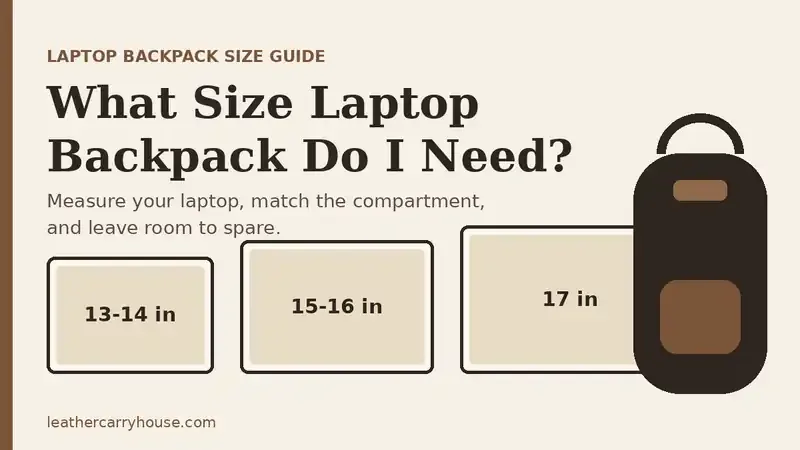
Start with your laptop, not the bag. Check your laptop’s screen size and, if possible, its actual width, depth and thickness. Many backpacks list the largest laptop they fit, so use that number as a guide and leave a little room instead of choosing a bag that fits exactly.
- Measure first. Screen size alone can be misleading, because bezels and cases change the real dimensions.
- Allow breathing room. A snug fit protects the laptop. A very tight fit makes it hard to remove and puts pressure on the corners.
- Think about what else goes in. A charger, a notebook, a tablet and a water bottle all need space.
- Do not oversize it. A backpack much larger than you need tends to get overpacked, which means a heavier load.
As a general rule, choose the smallest bag that comfortably holds your laptop and the things you carry every day. If you want to browse by category, our full range of laptop backpacks makes it easy to compare options side by side.
Important Features to Look for in a Laptop Backpack
Compartments and organization
A dedicated laptop compartment keeps your device separate from books, clothes and loose items. Beyond that, look for a main compartment with enough depth for daily essentials, a front organizer pocket for cables, pens and keys, and side pockets for a bottle. Too many tiny pockets can be as frustrating as too few, so pick a layout that matches how you pack.
Padding and protection
The laptop sleeve should be padded and, ideally, sit slightly above the bottom of the bag so your laptop is not taking the impact when you set the bag down. A padded back panel adds comfort and helps the bag keep its shape.
Straps and carry options
Wide, padded, adjustable shoulder straps spread the weight and reduce pressure on your shoulders. A reinforced top handle is useful for quick lifts, lockers and overhead bins.
Zippers, materials and build
Zippers take the most wear. Smooth, sturdy zippers and neat stitching at stress points are good signs. Durable fabric also tends to hold its shape and clean up easily.
Extra features worth considering
Some bags include an external USB port that makes it easier to connect a power bank you bring yourself. It is a convenience, not a built-in battery, so check the product details before you buy.
Laptop Backpacks for Work and Business
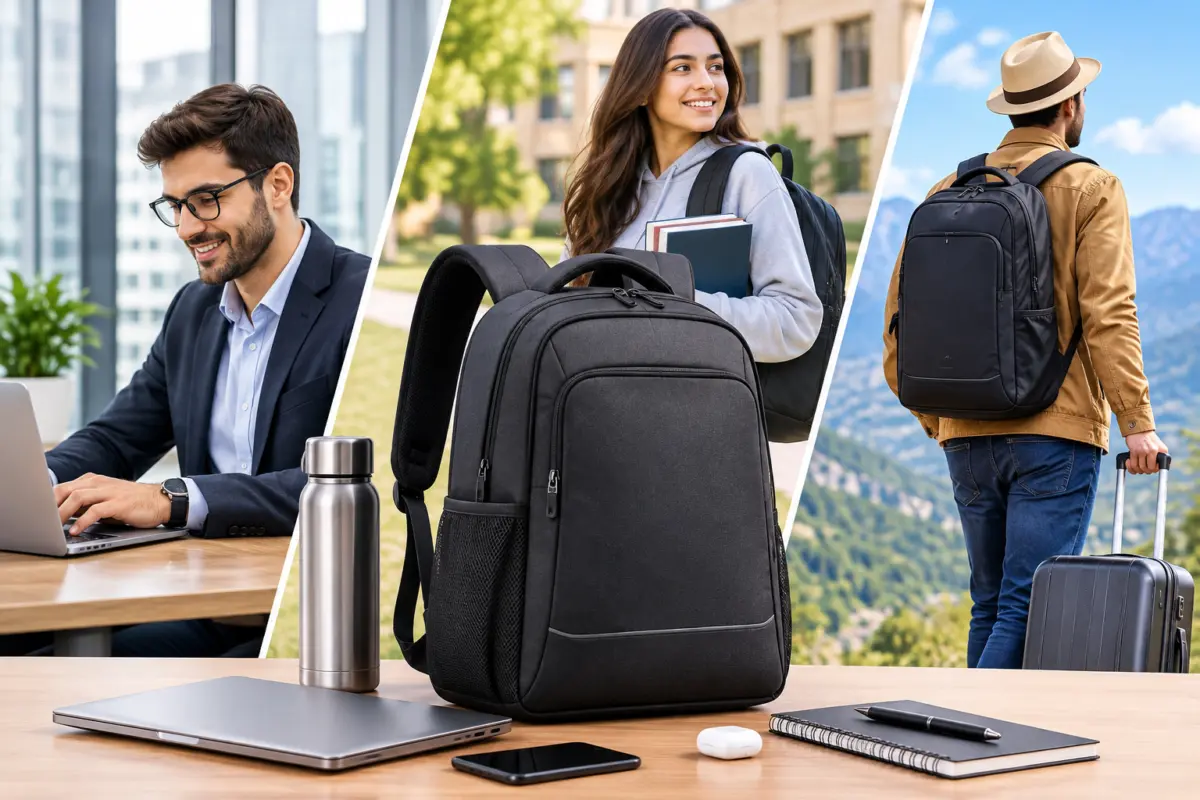
A work backpack should look professional and keep documents, chargers and a laptop organized. Clean lines, a dark neutral color and a structured shape tend to work best with business wear, and multiple zippered pockets keep small items from drifting to the bottom.
The Black Business Laptop Backpack pairs a spacious main compartment with several zippered organizer pockets, dual side mesh pockets and a reinforced handle. If you prefer a slightly more formal look, the Executive Business Laptop Backpack offers zippered organizer pockets, side mesh pockets and padded straps in a polished black finish.
For commuters who only need to carry a laptop and a few documents, a slim sleeve can be enough, either on its own or inside a larger bag. The Laptop Sleeve Carrying Case with Handles has dual top handles and a front pocket for chargers and papers. You can also browse our business laptop backpacks for more work-ready styles.
Choosing a Backpack for College and Everyday Use
Students carry more than office workers: books, a laptop, a notebook, a bottle and often a jacket. For college, comfort and capacity matter most.
- Comfortable straps matter because you may wear the bag for hours between classes.
- Easy-access pockets save you from unpacking everything to find a pen or student ID.
- A slim, lightweight design is easier to carry through crowded buildings and onto buses.
- A neutral style works from lectures to weekend plans.
The Minimalist Laptop Backpack in Charcoal Black is a good example of this approach, with a spacious laptop compartment, padded straps and a clean, durable fabric exterior that works for class, work and short trips. If you want more variety, explore our school and college backpacks.
If you often charge a phone or other device on the go, the USB Charging Laptop Backpack in Heather Gray includes an external USB port. You supply the power bank, so it is a handy option for long days on campus.
What Makes a Good Travel Laptop Backpack?
Travel puts more demands on a bag. You need quick access to your laptop and documents, comfort for long carrying days and enough organization to stay calm in busy airports and stations.
- Easy laptop access. Security checkpoints often ask you to remove your laptop, so a compartment that is easy to reach saves time. Rules vary by airport, so check current guidance before you travel.
- Comfort over distance. Padded straps and a padded back panel make a big difference when you carry the bag through terminals.
- Organized pockets. A front pocket for your passport, boarding pass and phone keeps essentials within reach.
- The right size for your airline. Personal item and carry-on limits differ between airlines, so check your airline’s measurements before you pack.
- Charging convenience. A USB-port design can help keep a phone topped up with your own power bank, a useful extra on long travel days.
Our travel backpacks are a good place to start, and the minimalist and USB-charging backpacks above both work well as carry-on companions.
Pairing a backpack with a sleeve is another option. A slim sleeve such as the Laptop Sleeve Carrying Case adds an extra layer of protection and lets you move your laptop between bags quickly. Browse all laptop sleeves to compare.
Laptop Backpack Buying Mistakes to Avoid
- Buying by looks alone. A stylish bag that does not fit your laptop properly will frustrate you daily. Check the compartment size first.
- Choosing a bag that is too big. Extra space gets filled, and a heavier load strains your shoulders and back.
- Ignoring strap comfort. Thin straps dig in quickly. Look for wide, padded, adjustable straps.
- Skipping the padding. Without a padded sleeve and back panel, your laptop is more exposed to bumps.
- Overlooking zippers and stitching. Weak zippers are the most common reason a bag stops being usable.
- Forgetting your daily routine. A commuter, a student and a frequent traveler all need different layouts. Decide how you will use the bag, then choose features to match.
Frequently Asked Questions
How do I know if a laptop backpack will fit my laptop?
Check your laptop’s screen size and, ideally, its real dimensions. Compare them with the maximum laptop size listed for the backpack, and leave a little extra room so the laptop slides in and out easily.
What size laptop backpack should I buy?
Choose the smallest backpack that comfortably holds your laptop and daily items. A bag that is too large tends to get overpacked, which makes it heavier and less comfortable.
Is a padded laptop compartment really necessary?
Yes. A padded compartment cushions your laptop against bumps and drops, especially when you put your bag down quickly. Look for padding on the back panel as well.
What is the best laptop backpack for college?
The best college backpack is comfortable, lightweight and easy to organize, with a laptop compartment and enough room for books and a bottle. A slim, minimalist design is a practical everyday choice.
Can I use the same backpack for work and travel?
Often yes. A clean, neutral, well-organized backpack with a padded laptop compartment works for the office and for carry-on travel. Check your airline’s size limits before flying.
Does a USB charging backpack include a battery?
No. A backpack with an external USB port lets you connect a power bank that you place inside the bag. The power bank is usually sold separately, so check the product description.
How do I take care of my laptop backpack?
Empty the pockets regularly, avoid overloading the bag, wipe the surface with a soft damp cloth and let it air dry. Follow any care instructions provided with your product.
Not carrying a laptop every day? Our guide to crossbody vs sling vs messenger bags covers lighter everyday options.
Ready to choose? Browse the full Leather Carry House collection to find a laptop backpack that fits the way you work, study and travel.