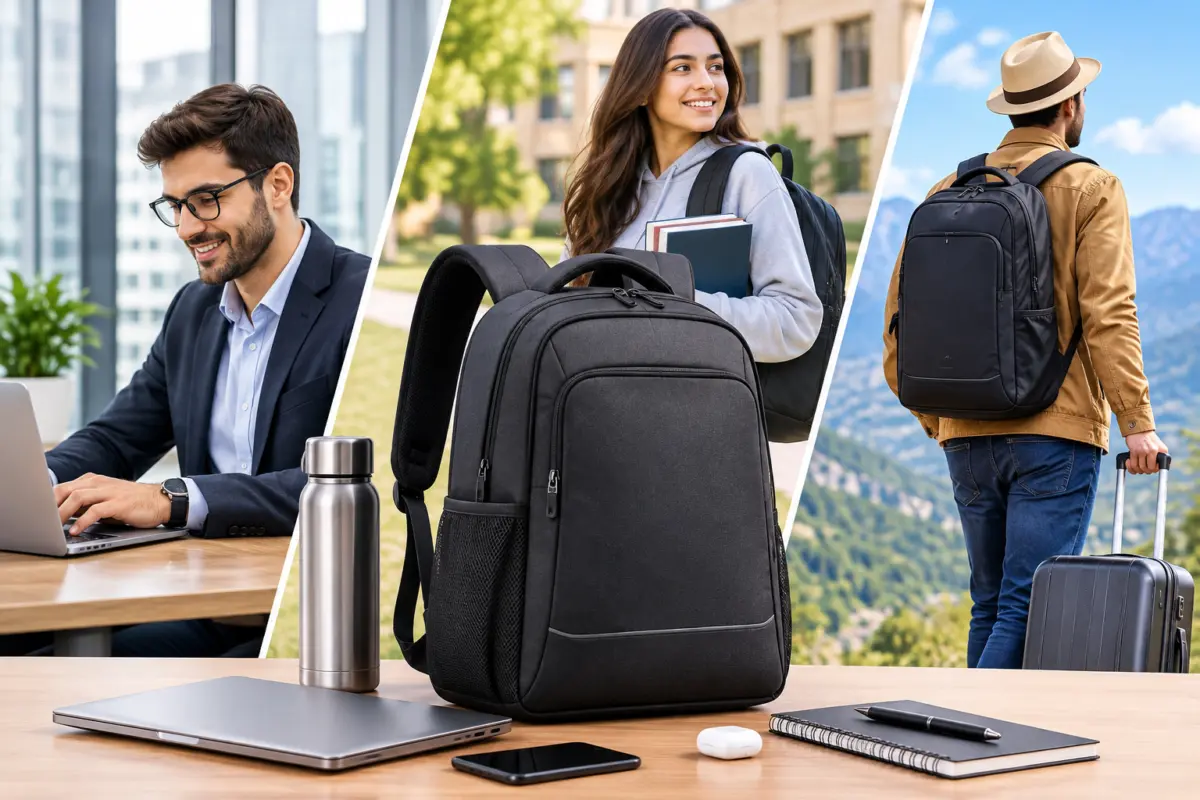


The short answer: choose a laptop backpack with a compartment rated for your laptop’s screen size class (14, 15.6 or 17 inches), then check that the compartment also leaves about half an inch of room around your laptop’s real width and depth. Screen size is only a starting point, because bezels, thickness and cases change what actually fits. This guide shows you how to measure, what each size class means and which sizing mistakes to avoid.
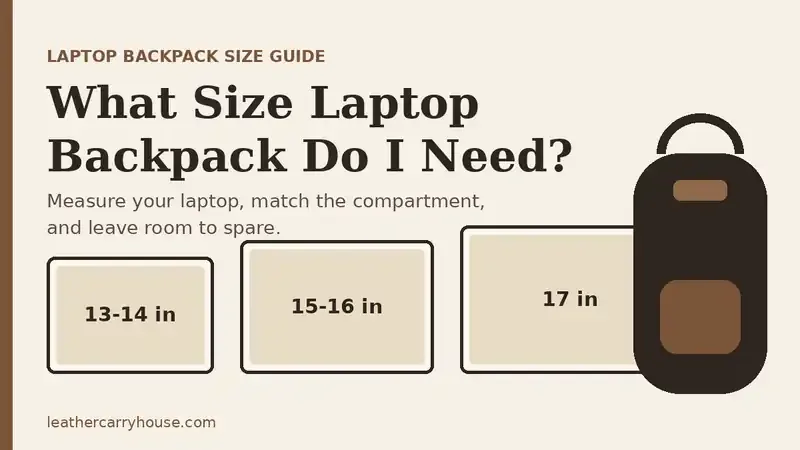
Quick Answer: What Size Laptop Backpack Do You Need?
Match your laptop to the size class printed on the backpack’s product page, then leave a little room to spare. Use this table as a starting point.
| Your laptop screen | Backpack compartment to look for | Good to know |
|---|---|---|
| 13 to 14 inch | Rated for 14 inches or larger | Slim, light bags work well. A 15-inch compartment also fits, with extra room. |
| 15 to 16 inch (including 15.6) | Rated for 15.6 or 16 inches | The most common size class for work and college laptops. |
| 17 inch | Rated for 17 inches | Bags in this size are bulkier, so check strap padding. |
If you are not sure which class you are in, look up your laptop model’s screen size and dimensions, or follow the measuring steps below.
Why Screen Size Alone Does Not Tell You What Fits
Laptop screens are measured diagonally, from corner to corner, so the number does not describe the width or depth of the machine itself. Two laptops with the same screen size can have different body dimensions, and a bag that fits one snugly can feel tight on the other.
Apple’s published specifications show how much a single inch of screen can change things. The 14-inch MacBook Pro measures 12.31 inches wide by 8.71 inches deep and 0.61 inches thick, according to Apple’s 14-inch specifications. The 16-inch model measures 14.01 inches wide by 9.77 inches deep and 0.66 inches thick, according to Apple’s 16-inch specifications. That makes the 16-inch roughly 1.7 inches wider and about an inch deeper, a real difference when a compartment is cut close to the laptop.
How to Measure Your Laptop for a Backpack
Measuring takes about two minutes and removes the guesswork.
- Measure the width. Use a tape measure across the longest side of the closed laptop.
- Measure the depth. Measure from the front edge to the hinge edge.
- Measure the thickness. Include any rubber feet or a protective case.
- Add breathing room. Allow roughly half an inch to an inch on width and depth so the laptop slides in and out easily.
- Compare with the bag. Check the stated laptop size or the internal compartment dimensions on the product page.
Manufacturers publish dimensions on their support pages, so you can also search for your exact model if you prefer not to measure.
Laptop Backpack Size Guide by Laptop Size
13 to 14 Inch Laptops
Ultraportable laptops pair well with slim, lightweight backpacks. A compartment rated for 14 inches is the closest match, while a 15-inch compartment gives extra room if you add a sleeve. If you carry only a laptop and a few documents, a slim sleeve such as the Laptop Sleeve Carrying Case with Handles can be enough on its own.
15 to 16 Inch Laptops
This is the most popular size class, covering the common 15.6-inch screen and many professional laptops. Look for a compartment rated for 15.6 inches or larger. The Minimalist Leather Backpack and the Convertible Leather Backpack each fit laptops up to 15.6 inches. For a work-focused option, browse our full range of laptop bags and check each product page for its stated laptop size.
17 Inch Laptops
A 17-inch laptop needs a large, structured bag, because the machine is both wider and heavier. Check that the compartment is rated for 17 inches and that the straps are well padded, since a heavy load needs comfortable support.
Backpack Capacity vs. Laptop Compartment Size
Capacity, usually shown in liters, describes the total space inside a backpack. It does not tell you whether your laptop fits. A 25-liter backpack can still have a compartment that is too small for a 16-inch laptop, and a compact bag can have a roomy sleeve. Always check the laptop size first, then the capacity. Many commuters find that a mid-sized bag is enough for a laptop, charger, notebook and bottle, and a bag that is far larger than you need tends to get overpacked.
Do You Need Extra Room for a Sleeve, Charger or Case?
Yes. A protective sleeve or case adds thickness, and a hard case adds more. If you use one, measure the laptop with the case on and compare that figure with the compartment. Chargers and cables usually go in a front pocket, so you can keep the main compartment for the laptop alone. For longer days, our guide on how to choose the best laptop backpack covers padding, straps and organization in more depth, and the American Academy of Orthopaedic Surgeons offers practical backpack safety tips on straps and loading.
Laptop Backpack Sizing Mistakes to Avoid
- Trusting screen size alone. Check the compartment’s stated size or dimensions as well.
- Choosing an exact fit. A laptop that barely fits is hard to remove and puts pressure on the corners.
- Forgetting the case. Measure with your sleeve or case on.
- Buying far too much bag. Extra space gets filled, which makes the load heavier.
- Ignoring the rest of your carry. Think about the charger, notebook and bottle, not just the laptop.
For an independent overview of laptop bag styles, Pack Hacker’s laptop bag guide compares backpacks, totes and messenger bags.
Which Backpack Fits Your Routine?
Once you know your size, choose by how you carry. For the office, the Minimalist Laptop Backpack in Charcoal Black and the Black Business Laptop Backpack offer organized pockets and padded straps. For long days away from a socket, the USB Charging Laptop Backpack adds an external USB port, and you supply the power bank. You can also browse all backpacks or our travel bags.
Frequently Asked Questions
What size laptop backpack do I need for a 15.6 inch laptop?
Choose a backpack with a compartment rated for 15.6 inches or 16 inches. This leaves a little room around the laptop so it slides in and out easily.
Will a 15.6 inch laptop fit in a 15 inch backpack?
Sometimes. The 15.6 inch figure is the screen diagonal, so the real fit depends on the laptop’s width, depth and thickness. Check the compartment’s internal dimensions and the stated laptop size before you buy.
Does a 16 inch laptop fit in a bag made for 15 inch laptops?
It depends on the bag. Some compartments sold for 15 inch laptops are cut close, and a 16 inch model can be wider and deeper. Look for a bag that states it fits 16 inches.
How much extra room should a laptop backpack have?
Allow roughly half an inch to an inch of extra width and depth so the laptop is easy to remove and the corners are not under pressure.
Is backpack capacity in liters the same as laptop size?
No. Capacity describes the total space in the bag. The laptop compartment size is separate, so always check the stated laptop size as well.
Do I measure my laptop with its case on?
Yes. A sleeve or case adds thickness, so measure the laptop with the case on and compare that with the compartment.
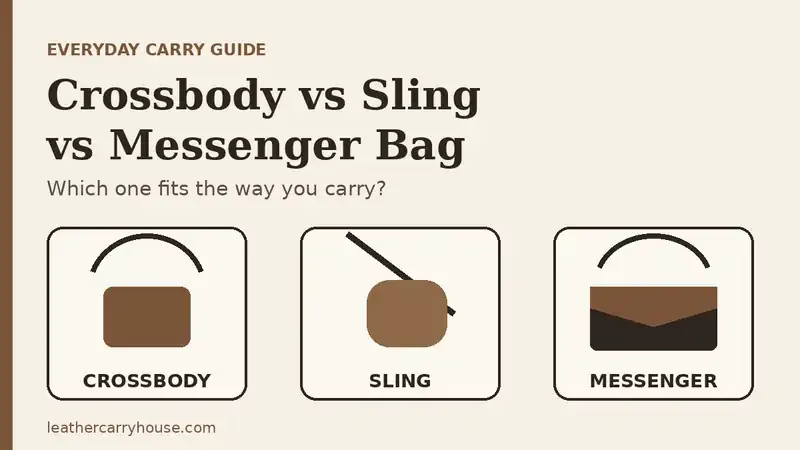
Carrying a lighter load? Read our comparison of crossbody, sling and messenger bags to see which single-strap style suits your day.
Ready to pick your size? Browse the full Leather Carry House collection and check each product page for its stated laptop size.